
When It Comes to AI Transcription Tools, Writers Have Choices

My first job was as a transcriptionist. I was 14, making $4.50 an hour with a pedal-operated audiocassette player and typewriter.
As a grown-up writer, transcribing interviews myself was the bane of my existence, yet hiring help has sometimes ended in disaster. One person rephrased everything in his own words. Another, after giving me sunny false updates for weeks, confessed the day before my own deadline that she hadn’t started.
Then, of course, along came AI transcription tools, which can eliminate hours of crushingly dull mental labor, if chosen and used with care.
Here are my impressions of three popular AI transcription programs—and which one became my hands-down favorite.
Otter: Multi-Functionality and Integration
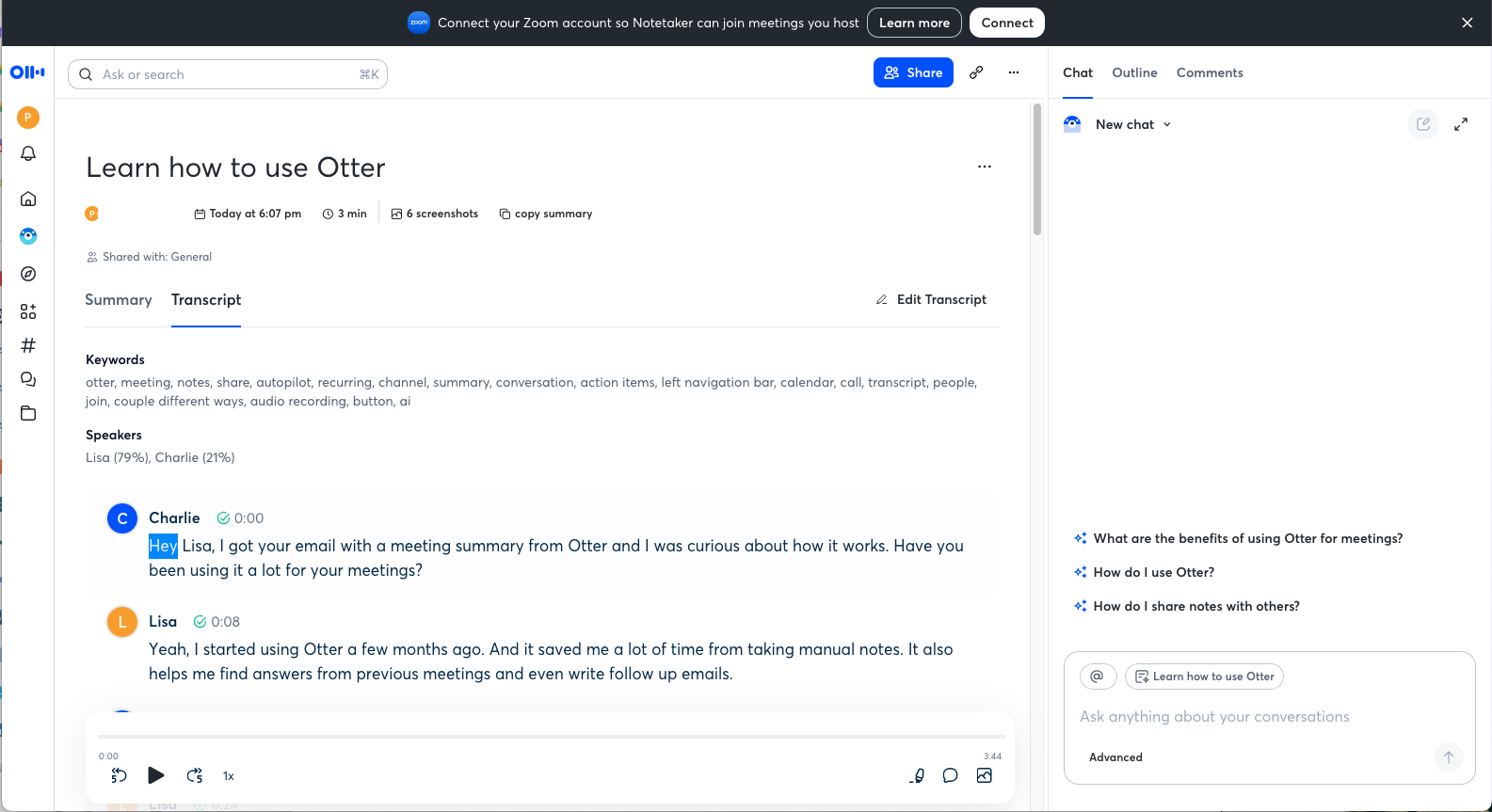
The Otter app joins online meetings, generates summaries, and offers collaboration tools in addition to transcribing, which it does an okay job of. I relied on its AI-powered transcriptions for years. It is affordable for small businesses and individuals, at $8.33 per person per month for up to 10 monthly audio or video file imports or 1,200 transcription minutes. I would upload audio files and wait a few minutes for transcripts, complete with timestamps and speaker labels.
But I learned not to trust its accuracy. For one thing, Otter struggles to tell when one speaker stops and the other begins. It was forever tacking one person’s words on to the other’s until figuring it out a few seconds in—then repeating the mistake each time people took turns talking. It mixed up even very different voices at these changeovers.
Other errors, subtle and blatant, littered the transcripts. This would have been a minor problem if I were simply double-checking a few quotes flagged during an interview. But because I write a lot about science and medicine, I commonly review a full transcript to catch statements I may not have absorbed in real time. Using Otter generally entailed spending at least a half hour correcting the transcript, which felt an awful lot like…transcribing.
What ultimately soured me on Otter, though, was all its other stuff. Over the years, the company added productivity features, AI tools, connections to Dropbox and Zoom, etc., none of which I needed. Otter insisted on summarizing transcripts and offering suggestions I couldn’t see how to opt out of. When I wanted to read an interview, it showed me AI digests first, forcing me to click again to reach the transcript.
To me, it felt creepy, not to mention wasteful. I yearned for the straightforward transcription tool that Otter once was.
Rev: Encryption and Flexibility
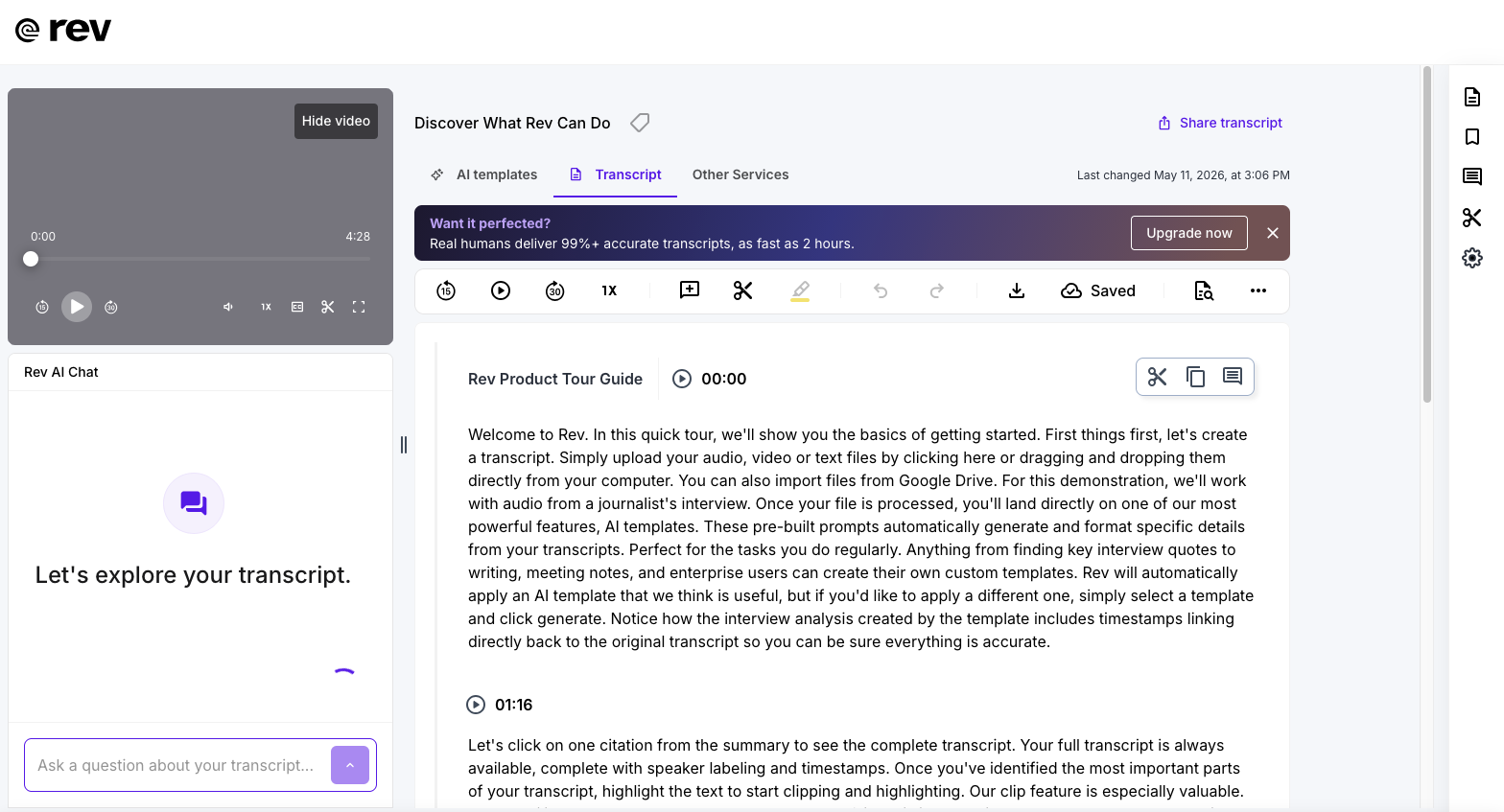
As with Otter, Rev’s AI transcription service records and transcribes meetings or interviews on various videoconferencing platforms, or you can upload audio or video files to it to transcribe. The files are then encrypted, according to the company.
I haven’t used Rev but was curious how it compared to other transcription programs, so I took a look. The interface is clear, with timestamps and speaker labels, and it lets you jump around a transcript. You can highlight text to share clips—nice for teams. You can also upgrade to human transcription for greater accuracy. Rev has additional AI features that I didn’t explore, including generating interview questions, pulling “top quotes” and “key facts,” and building a documentary script based on quotes from an interview. I prefer to do those tasks myself.
Rev is pricier than Otter, at $25.49 per seat per month, although both companies offer free options. Writers who value multifunctionality and integration across platforms or who want extra AI-powered tools may find what they need in Rev or Otter.
Cloud-Based Transcription Risks Led Me to WhisperScript
As I explored the apps, I began wondering what they do with user data, and about privacy for my sources and myself. Journalists have worried for years that transcription apps might compromise sensitive sources. Last year Otter was sued on the grounds that its notetaker allegedly made and used recordings to train AI without people’s consent.
According to Otter’s privacy policy, the company trains its AI on de-identified audio records, although how it does not describe how they are de-identified. Rev also discloses that it trains its AI on user content. Both companies share users’ personal information with a variety of third parties. No surprises there, but not exactly reassuring.
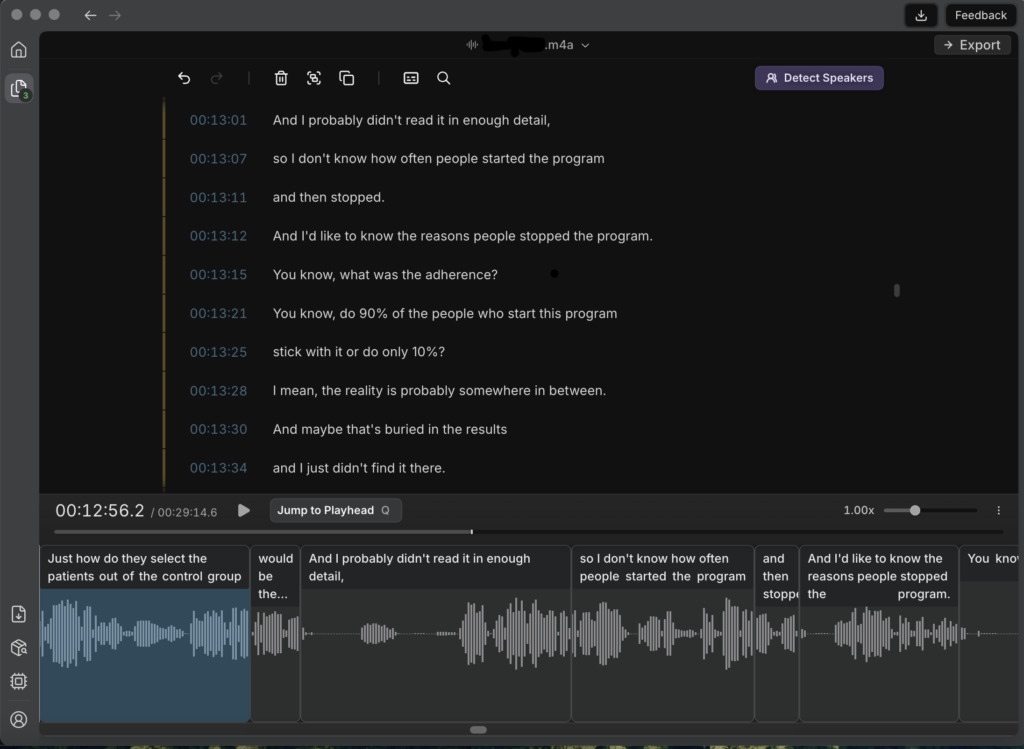
Propelled by privacy concerns, I found WhisperScript, a non-cloud-based transcription tool aimed at journalists, lawyers, and others who require confidentiality. Users download and install the software, then process audio files offline–nothing leaves one’s hard drive.
I use a MacBook Air with an M1 processor and WhisperScript keeps it busy, an eerie reminder of how much power AI sucks up. During transcription, which takes five or 10 minutes for my typical half-hour-plus audio file, my computer sometimes gets sluggish when responding to other commands. At other times, it runs alongside a tab-heavy browser session and Zoom without causing slowdowns.
Like Otter, WhisperScript confuses where one person stops speaking and the other begins. Asking it to discern and label speakers is an extra step I don’t bother with (saving transcripts within the app is an extra step too). Instead, I export transcription files to Word, opting out of including timestamps and speakers, so it generates one giant paragraph. I read that over and add paragraph breaks to differentiate speakers.
This part goes fast, because I’ve found WhisperScript transcripts require little correction. They are strikingly good, including transcribing interviews with non-native English speakers (the company claims it can transcribe more than 100 languages). Though the app incorrectly rendered “semaglutide” as “cinemaglutide,” it got “Neuschwander” and “beta-hydroxybutyrate” right. All this from the privacy of my hard drive.
As of mid-May, WhisperScript was on sale for 6.30 euros a month, or about $7.38, based on an annual subscription, including unlimited transcription. Lifetime access is 250 euros, or about $292.
To me, privacy and doing one thing well are key selling points in a transcription tool. And because the tool runs on my laptop rather than in the cloud, I can offset my AI footprint by using a solar-charged external battery. Those factors make WhisperScript my clear winner.
Conclusion: Use With Care
AI uses vast amounts of energy to do our thinking for us. Moreover, we can’t reasonably predict all the paths our data might take once we upload it to cloud-based AI apps. In my opinion, ethical users should bear both those points in mind. I also think professional writers should be cautious about which parts of our workflow we outsource to robots lest we dull our skills or render ourselves obsolete.
But there’s thinking and there’s thinking. By eliminating mind-numbing hours of typing what we hear, AI transcription tools free us to think at a higher level about our prose. That arguably makes transcription one of AI’s more justifiable applications, right up there with identifying birdsongs and catching cancers on mammograms. We should use it, but carefully.
**
Jenny Blair, MD, MS, is a Vermont journalist, science writer, and editor with particular interests in nature, agriculture and agroforestry, medicine, and disabled communities. Find her LinkedIn profile and her ASJA member profile.